
Google Business Profile Gemini integration and how dealers can update their profile.
July 23, 2026
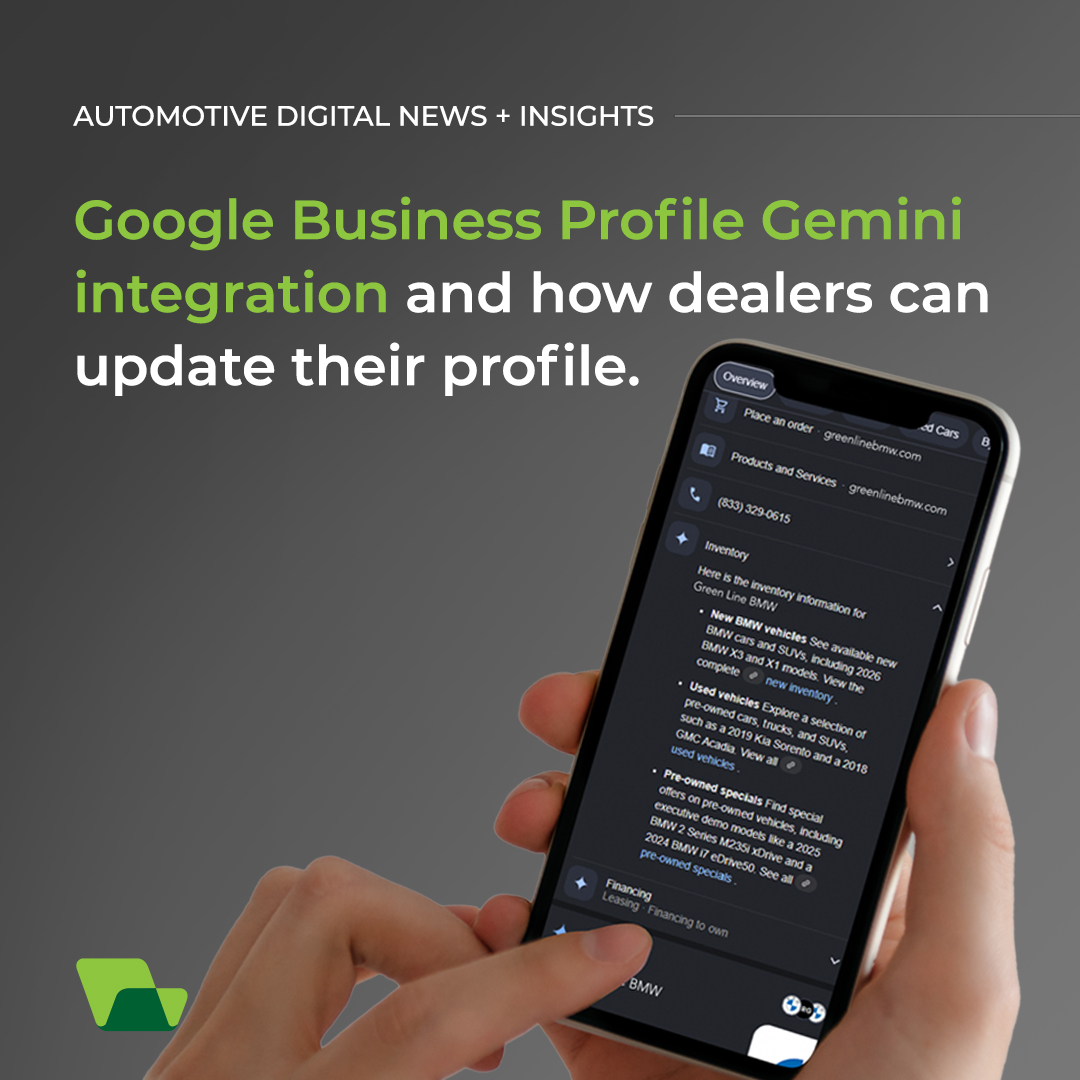
Google has integrated Gemini capabilities with Google Business Profile, giving eligible users a conversational way to manage profile information, respond to customers, publish posts, and review performance data.
For dealerships, this connection could simplify routine profile management while helping teams maintain accurate information across Google Search and Maps.
However, dealers should not assume every detail Gemini retrieves is correct. Links surfaced by the tool can sometimes be incomplete, outdated, or inaccurate, making human review an essential part of the process.
Can you update a Google Business Profile with Gemini?
We are seeing Google gradually release the connection to profiles. According to Google Business Profile Help, users currently must be an owner or manager of only one verified Business Profile. They must use a personal Google Account associated with that profile, be at least 18, and have Gemini Apps Activity enabled.
Can dealer groups connect multiple profiles to Gemini?
The single-profile restriction is significant for dealer groups, agencies, and marketers managing multiple rooftops. These users may need to continue using their current management process until eligibility expands.
What can dealerships manage with Gemini?
After connecting an eligible Google Business Profile to the Gemini web app, users can ask Gemini to review or update profile information through conversational prompts.
Gemini can help eligible businesses:
- Update regular and special business hours
- Review contact information and website links
- Add or review social media links
- Upload dealership photos from a public URL
- Review available business attributes
- Draft responses to customer reviews
- Create, schedule, publish, or delete Google posts
- Analyze impressions, website clicks, direction requests, and other performance metrics
- Identify search keywords customers use to find the business
Instead of navigating through multiple profile settings, dealership marketers can ask Gemini to display information or complete supported actions.
Why this Google Business Profile news update matters.
A dealership’s Google Business Profile often appears early in a local shopper’s search. Customers may use it to confirm showroom hours, request directions, call the dealership, read reviews, or access inventory and service pages.
That makes accuracy critical. An incorrect URL could send a shopper to the wrong page, create a poor mobile experience, or interrupt a service scheduling journey. Outdated social links and broken action links can also reduce engagement and make it more difficult for customers to complete their next step.
Gemini can help identify missing information and accelerate profile updates, but it should be treated as an assistant, not the final source of truth.
What Google Business Profile links should dealerships verify?
Dealerships should verify any URL that Gemini displays, recommends, or adds to the profile. This is especially important for:
- New and used inventory pages
- Service scheduling tools
- Service and parts specials
- Credit applications
- Trade-in tools
- Directions and contact pages
- Social media profiles
Open each link and confirm that it reaches the correct dealership, department, and landing page. Dealer groups should also watch for links that point to another rooftop or a general group website instead of the intended location.
This review protects the customer experience and helps preserve clean tracking. If your dealership uses campaign parameters or dedicated conversion pages, confirm that those elements remain intact.
Dealership Gemini Google Business Profile checklist.
- Begin by asking Gemini to show your dealership’s current contact information, hours, attributes, and links.
- Compare every result with your website and internal records before requesting changes.
- Test lower-risk tasks such as summarizing recent reviews, identifying common feedback themes, or drafting a Google post.
- Keep a dealership marketer or agency partner involved in reviewing all public content and profile updates.
Gemini can reduce repetitive work and make profile insights easier to access. Dealership oversight remains necessary to protect accuracy, brand voice, compliance, and the customer journey.
Are you unsure how to update your dealership’s Google Business Profile with Gemini or need help managing your Local SEO? Contact our SEO / GEO specialists today for a comprehensive campaign audit.
Sign up for GLD notifications to stay in the loop.
Fields marked with * are required